
How to Use the NTUMods CGPA Planner
Most NTU students eventually ask the same question: what do I need to score from here to graduate with the class I want? The NTUMods CGPA Planner answers it in three steps. This guide walks through each one with a worked example.
Quick summary: Enter your current CGPA, the letter-graded AU you have completed and the AU you still have to take. Pick an honours class to see the average grade your remaining AU need, then drag the slider to see where a given average would leave you. Everything runs in your browser.
Ready to try it? Open the CGPA Planner in another tab and follow along. The sample data button fills in the example used in this guide.
Step 1: Enter your grades so far
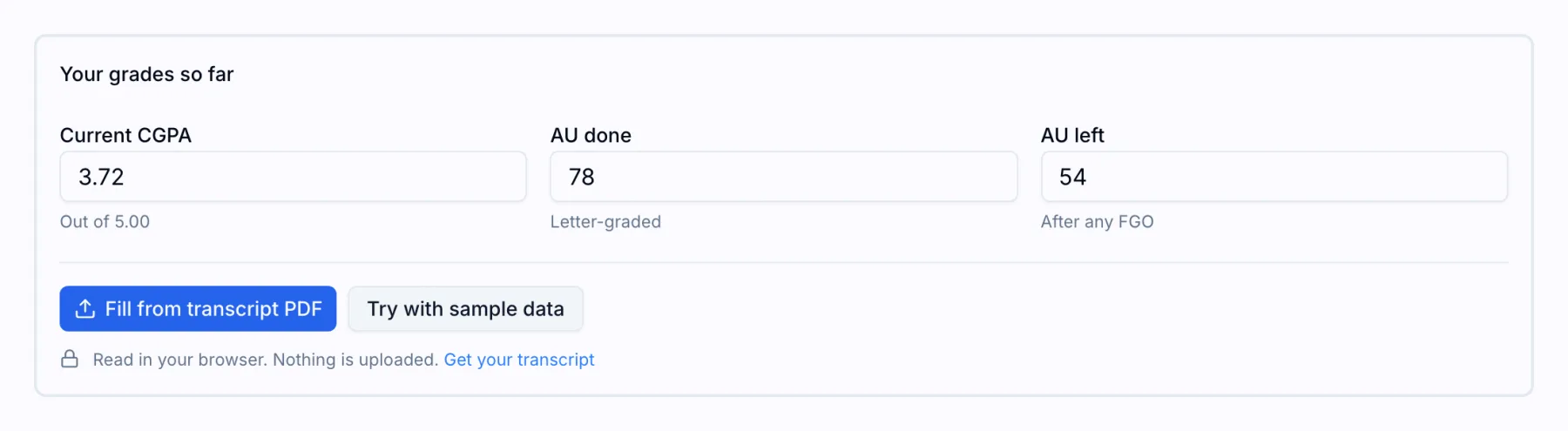
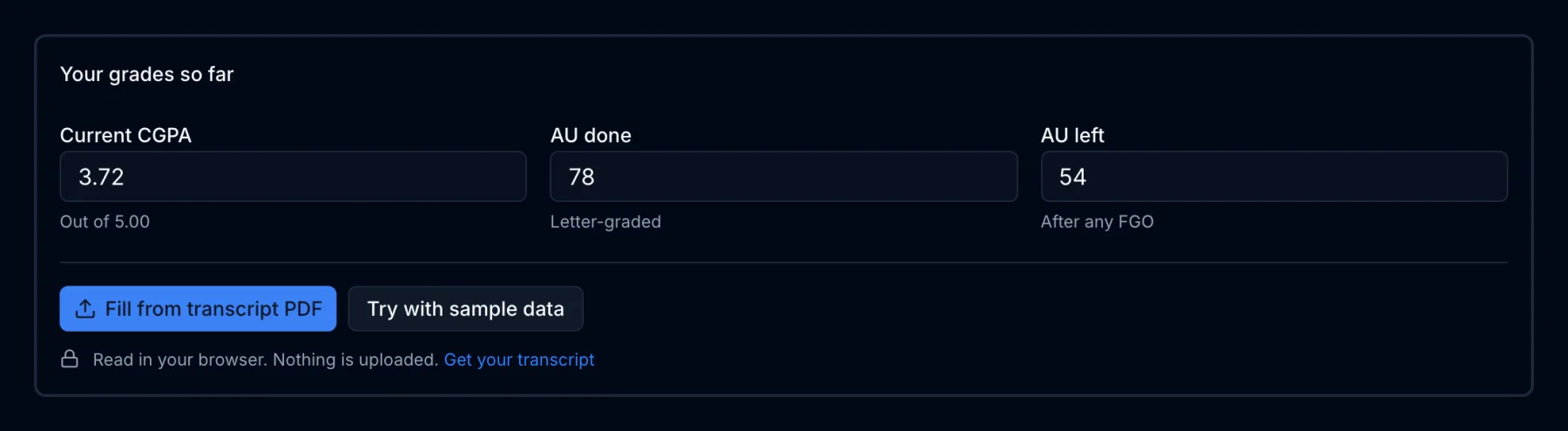
The planner needs three numbers.
| Field | What to enter |
|---|---|
| Current CGPA | Your CGPA out of 5.00, as shown on your transcript or in Degree Audit. |
| AU done | The AU behind that CGPA. Count letter-graded modules only. Leave out Pass, No Record and exempted modules, because they are not part of your CGPA. |
| AU left | The AU you still expect to take for a letter grade. Subtract any AU you plan to put under the Flexible Grading Option, since those will not count either. |
If you would rather not add up AU by hand, choose Fill from transcript PDF and select the official transcript from the Self-Help Transcript System (linked from the NTU student portals guide). The planner reads the PDF inside your browser and fills in your CGPA and letter-graded AU. Nothing is uploaded. You still enter AU left yourself, because the transcript does not know your remaining plan.
Not ready to use your own numbers? Try with sample data fills in a CGPA of 3.72 with 78 AU done and 54 AU left, which is the example used in the rest of this guide.
Step 2: Pick a goal
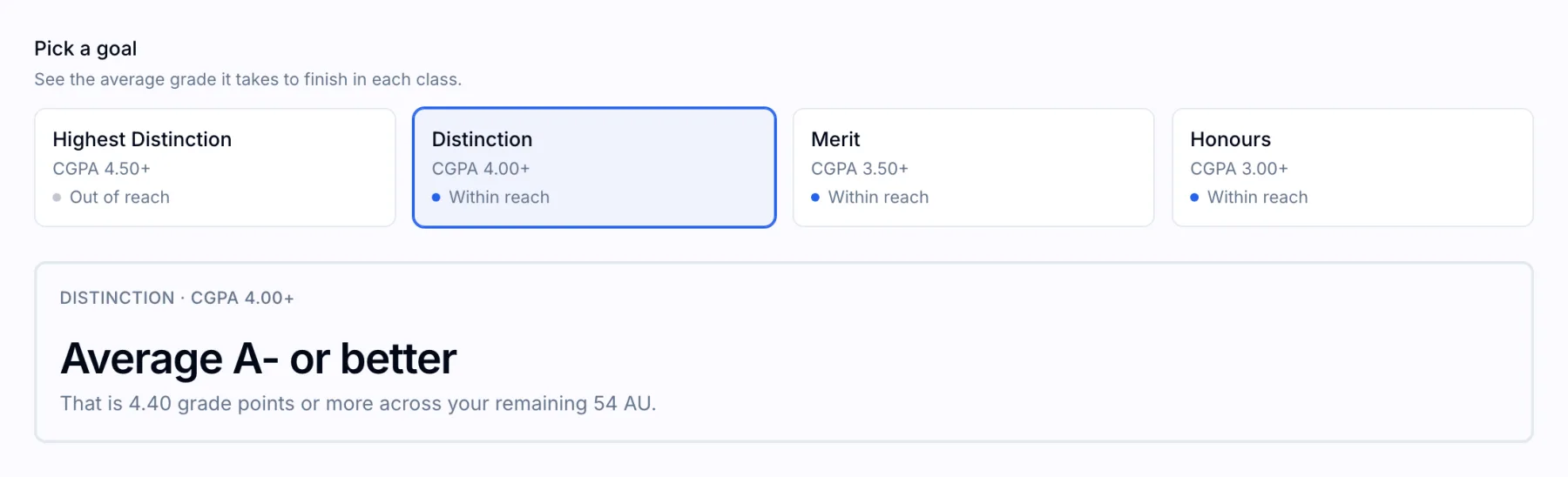
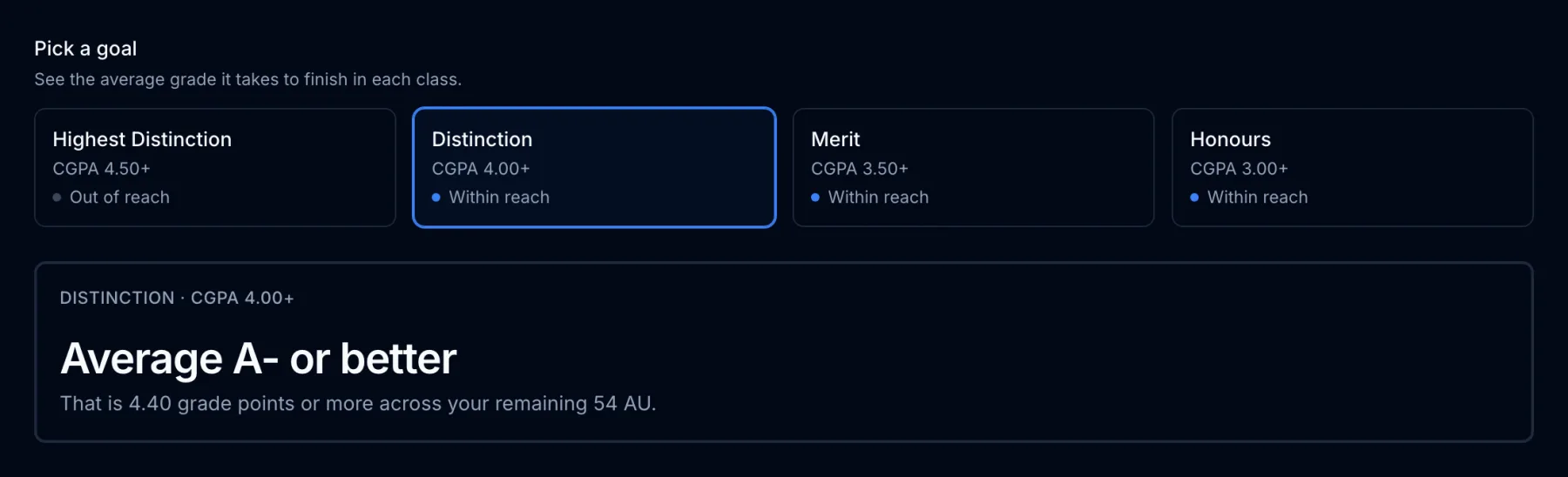
Each card is one honours class, with the CGPA it requires and a status:
- Secured: no combination of grades over your remaining AU can take you below that class.
- Within reach: the class is possible, and the panel below shows the average it needs.
- Out of reach: you would need more than an A average, which is not possible. The panel shows the CGPA that straight As would give you instead.
Select a card to see the answer for that class. The planner opens on the highest class that is still within reach.
In the sample, Distinction needs an average of 4.40 grade points over the remaining 54 AU. The nearest letter grade at or above that is an A-, so the panel reads “Average A- or better”. Merit needs 3.18 (about a B) and Honours needs 1.96 (about a C). Highest Distinction would need 5.63, so it is out of reach.
Step 3: See where you would finish
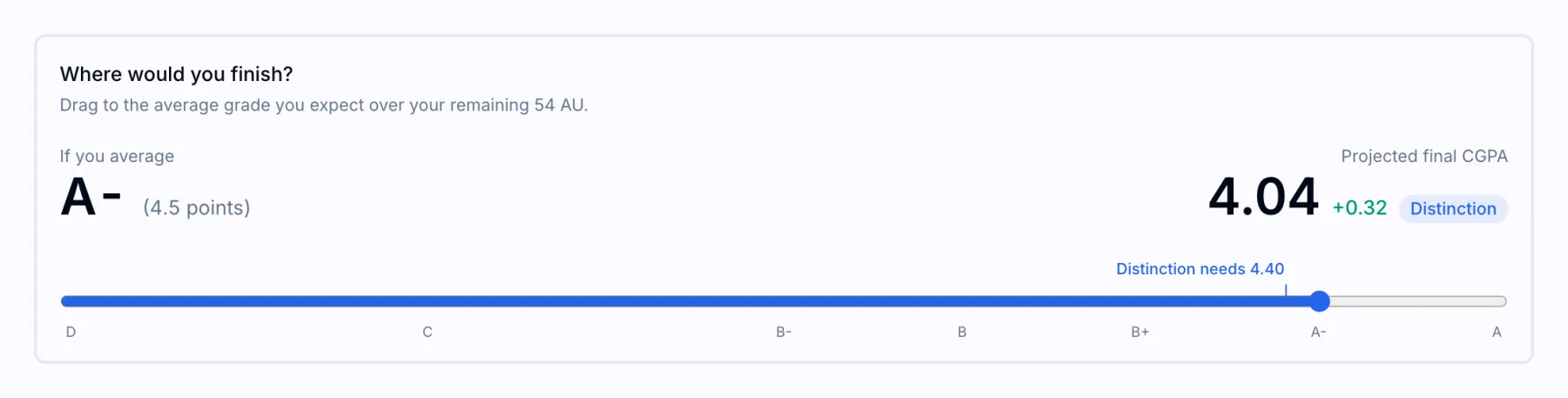
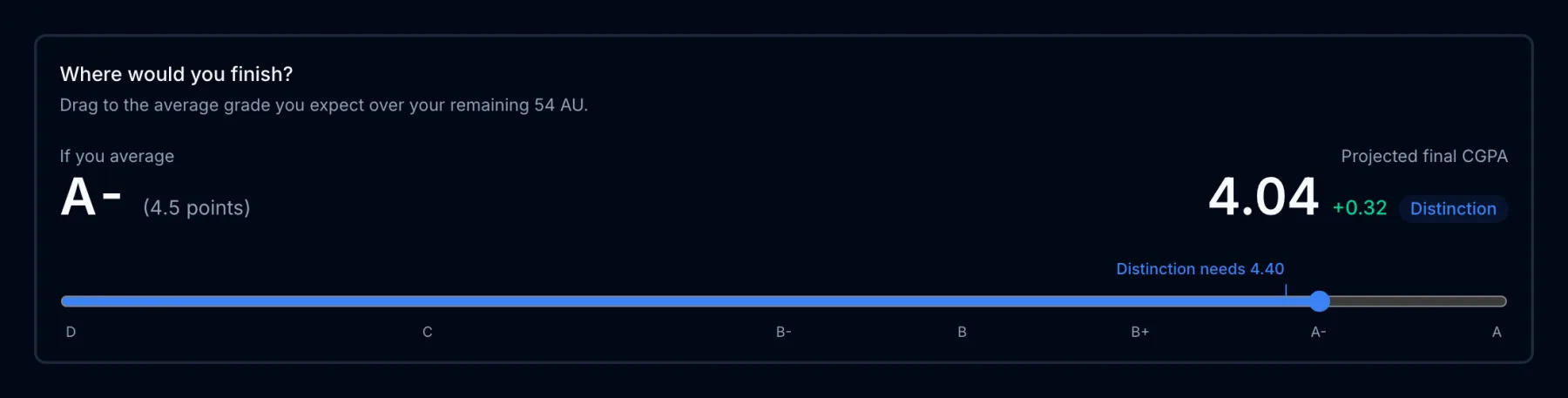
The second half of the planner works the other way round. Instead of asking what a class needs, it asks where a given average leaves you.
Drag the slider to the average grade you expect over your remaining AU. It snaps to letter grades and starts near your current CGPA, so the first number you see is where you finish if you keep your current pace. The right side shows your final CGPA and the class it falls in. The blue marker above the slider shows what your selected goal needs, so you can see at a glance whether your expected average clears it.
In the sample, an A- average (4.5 points) over 54 AU finishes on 4.04, just inside Distinction. A B+ average would finish on 3.83, which is Merit.
How the numbers are worked out
The planner uses the same AU-weighted average as NTU. To finish on a target CGPA, the average you need over the remaining AU is:
(target × (AU done + AU left) − current CGPA × AU done) ÷ AU left
For the sample and Distinction: (4.00 × 132 − 3.72 × 78) ÷ 54 = 4.40. The NTU honours classification and CGPA guide explains the grade scale and the bands in more detail.
Things the planner does not know
- Your real grade mix. It assumes one average across every remaining AU. In practice, high-AU modules such as the Final Year Project move your CGPA more than a 2 AU elective.
- Programme-specific bands. It uses the bands that apply to most NTU honours degrees. A few programmes publish their own, so check your Academic Handbook.
- Future FGO decisions. If you later Flexible-Grade a module, those AU leave your CGPA. Use the FGO Optimiser to decide which modules to declare, and see the FGO Optimiser guide for how it works.
FAQ
Is the CGPA Planner official? No. It is an unofficial NTUMods tool. Your official CGPA and honours class are determined by NTU.
Is my transcript uploaded? No. The PDF is read inside your browser and is never sent to a server.
What if a class says it is secured? It means that even failing every remaining module would keep your CGPA at or above that class. You still need to pass your modules to graduate.
Where do I get my transcript? From the NTU Self-Help Transcript System. The NTU student portals guide links to it.