
Campus map
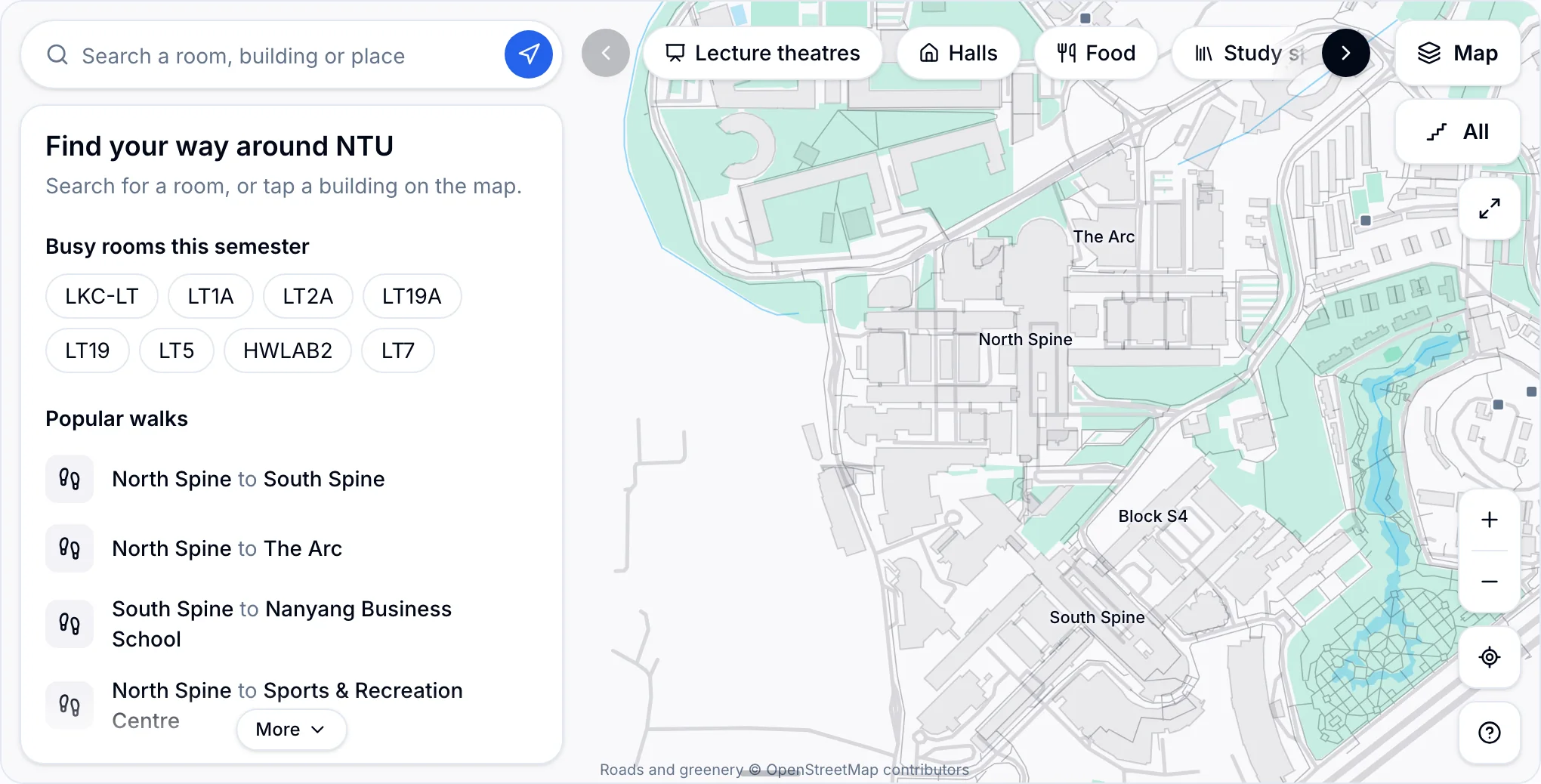
Find any lecture theatre, tutorial room, hall or canteen, see which level it is on, and get the walk there.
How to use the map
Find a room
Type a venue from your timetable, like LT19A or TR+3. You can also search for a building, hall, canteen or gym.
Pick a level
Use the Level button to see any floor, from Basement 7 to Level 9. Rooms with classes are highlighted.
Browse by type
Use the chips for lecture theatres, halls, food, study spaces, car parks and toilets, then search within one.
Get directions
Choose a start and an end for the walking time, the distance and which stairs or lifts to take.
Change the view
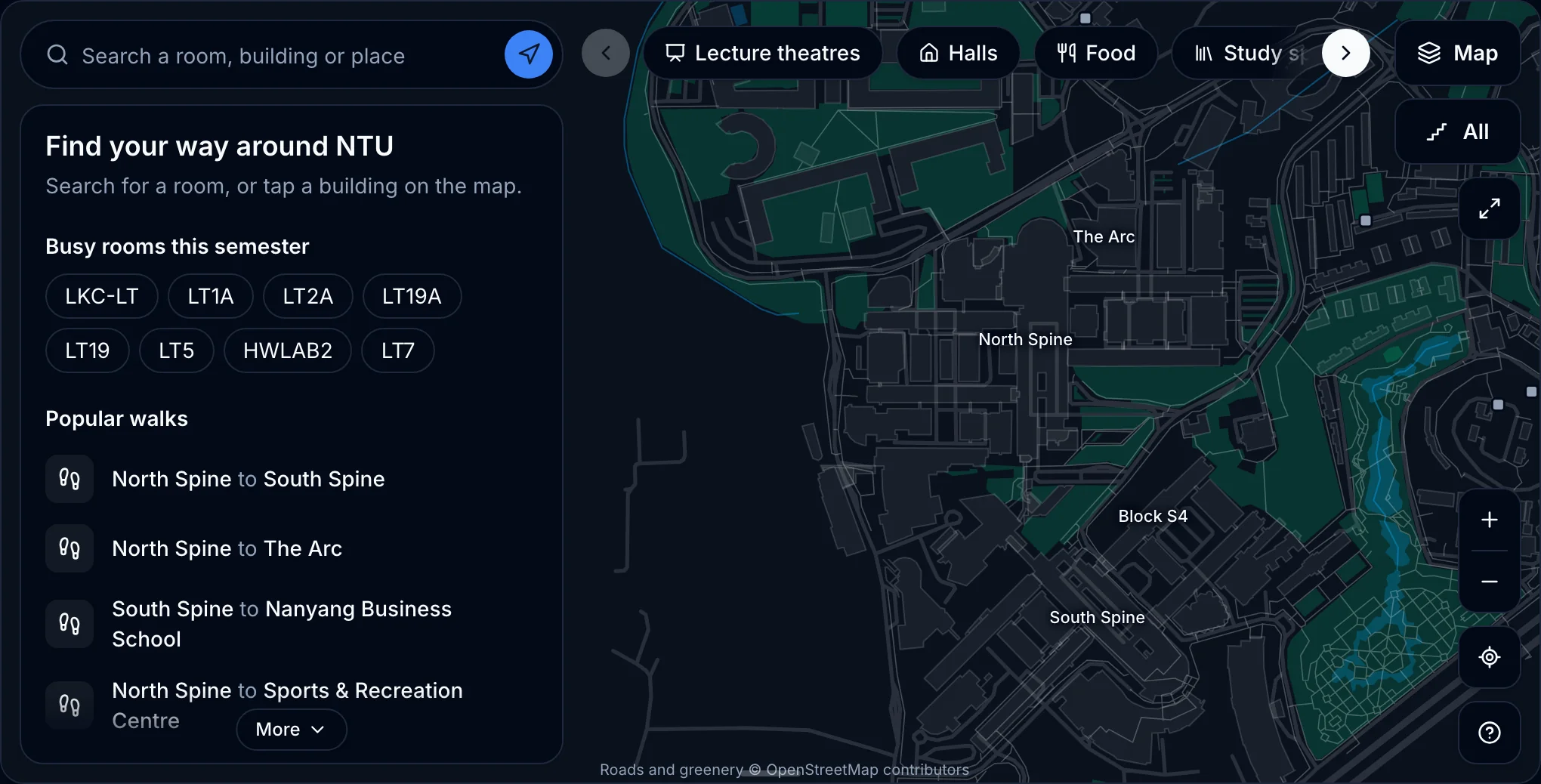
Switch between standard, hybrid and satellite, and turn labels on or off, from the Map button.
Share what you see
Every view is a link, so the other person opens the same place, level and map type.
Step back
Leaves a place, a category or directions.
Move and zoom
Drag, scroll or pinch. The target button frames your place or route, and the expand button makes the map full screen.
Approximate pins
Matched by name, so check the room number when you arrive.
Guide
NTU Campus Map: Find Any Lecture Theatre, Room and Walking Route
Never be late to a lecture again. Learn how to find any lecture theatre or tutorial room, read NTU room codes, pick the right level and time the walk between back-to-back classes, with screenshots of every step.
Read the guide